Beijing Money & Internet
VPNs for China Travel: What Still Works and What Does Not
An honest look at VPNs in China in 2026: whether you need one at all, the legal position, why they fail, how to set one up before you fly, and why it should be off when you pay.

Ask ten people who have been to China recently whether their VPN worked and you will get ten different answers, all of them true for the week they were there. One sailed through a fortnight of video calls; another spent every evening in a hotel room watching a spinning wheel. That is the defining thing about a VPN for China: it is not a product that simply works or does not, but a moving target, and for most short-stay visitors in 2026 it is no longer the best tool for the job.
This page explains what a VPN does and does not solve in China, the legal position in plain terms, why VPNs fail, how to choose and set one up if you decide you need it, how to use it without upsetting your payment apps, and when a roaming eSIM makes the whole question go away. Rules and technical conditions were checked in September 2026 and change often. Everything here is a description of the situation rather than legal advice, and the decision is yours.
The short version
| Question | Answer |
|---|---|
| Do I need a VPN? | Not if you use a roaming eSIM on your phone. Possibly if you work on hotel WiFi or use a local SIM |
| Is it legal? | Only government-approved VPN services are authorised. Enforcement is aimed at providers and sellers |
| Can I download one after I arrive? | Realistically, no. Install and test it at home |
| What gets through the firewall? | Only obfuscated or “stealth” protocols, and not consistently |
| Plain WireGuard or OpenVPN? | Recognised and blocked |
| Free VPNs? | No |
| Should it be on when paying with Alipay or WeChat? | No. Turn it off, or exclude those apps |
| When is it least reliable? | Around politically sensitive dates, and in waves of blocking that nobody announces |
First question: do you need one at all?
A VPN exists to get your traffic past the Great Firewall, the system of filtering that blocks a large part of the foreign internet inside China. For a visitor the blocked list that matters is short and painful: Google in all its forms, including Gmail, Maps, Drive and Translate, plus WhatsApp, Instagram, Facebook, X, YouTube, Signal, Telegram and many Western news sites. Apple services generally work, and so do most Microsoft ones.
What is blocked, and what to use instead
| Service | On a Chinese connection | What works instead |
|---|---|---|
| Google Search, Gmail, Drive, Photos | Blocked | Bing works; move essential emails and documents offline before you go |
| Google Maps | Blocked, and inaccurate in China anyway | A Chinese map app, or Apple Maps, which uses Chinese map data |
| Google Translate | Blocked | Apple’s built-in translator, Microsoft Translator, Pleco for characters |
| WhatsApp, Signal, Telegram | Blocked | WeChat for local contacts; iMessage and FaceTime generally work |
| Instagram, Facebook, X | Blocked | None; post when you are on an eSIM or back home |
| YouTube, Netflix, Spotify | Blocked or not offered in China | Download before you travel |
| Wikipedia, Dropbox, most Western news sites | Blocked | Save what you need offline |
| ChatGPT and several other Western AI tools | Not available in mainland China | See the note below |
| Apple iCloud, most Microsoft services, Outlook | Generally work | No workaround needed |
A note on that AI row, because it catches people out. Several Western AI services do not serve mainland China or Hong Kong, and since most roaming eSIMs exit to the internet through Hong Kong, an eSIM may not reach them either. Your home network’s own roaming, which exits in your own country, generally does. It is a small thing until you need it for work.
But a VPN is no longer the only way past, or the easiest. A roaming eSIM carries your mobile data out of the mainland to a gateway in Hong Kong or Singapore before it reaches the internet, so the filtering never touches it, and Google and WhatsApp load normally with no extra software. Our China eSIM guide explains how it works and what it costs. Your home network’s own roaming does the same, at a higher price.
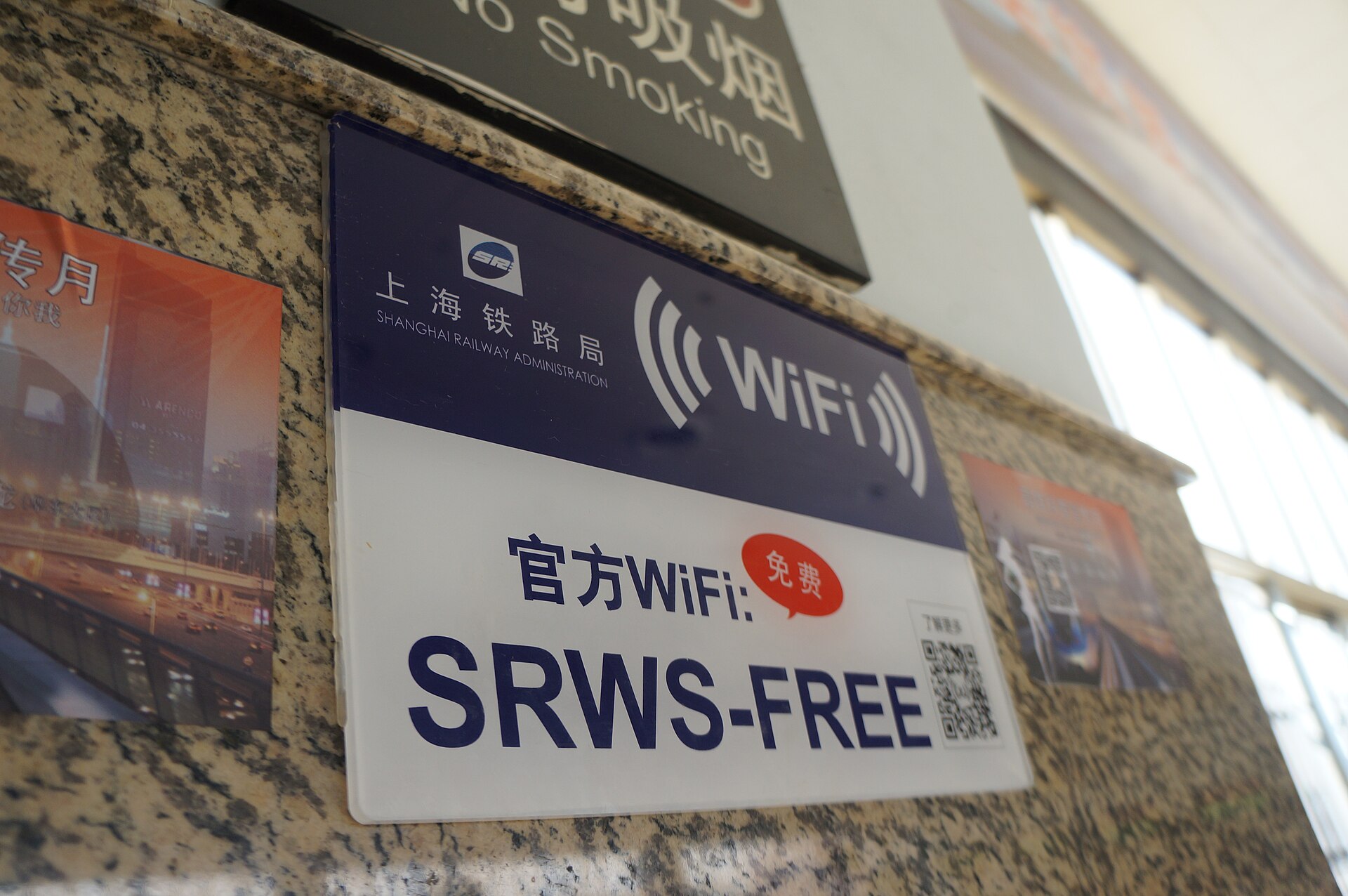
So the real question is which connections you will be using. The firewall only applies to Chinese connections: hotel WiFi, café WiFi, public networks and a local Chinese SIM.
| Your situation | Do you need a VPN? |
|---|---|
| Short trip, phone only, roaming eSIM | No |
| Short trip, using your home network’s roaming | No |
| Working on a laptop from the hotel | Either a VPN, or tether the laptop to your eSIM on a metered plan that allows it |
| Local Chinese SIM as your only data | Yes, or add an eSIM for blocked apps |
| A month or more, studying or working | Usually, or run a local SIM and an eSIM side by side |
For most people reading this, the first row applies, and the rest of this page is background. If you are in one of the other rows, read on.
The legal position, plainly
China’s rules on VPNs are clearer on paper than in practice. Since a 2017 notice from the Ministry of Industry and Information Technology, cross-border VPN services have required government approval, which means that only licensed services, used mainly by businesses for their own networks, are lawful. The consumer VPN apps that travellers use are not licensed. Amendments to the Cybersecurity Law that took effect on 1 January 2026 raised penalties further, with the emphasis on those who build, sell and provide circumvention tools.
Enforcement follows the same emphasis. Action has overwhelmingly targeted providers and sellers. The cases against individual users that have become public have mostly involved Chinese residents, often alongside other alleged offences. There is no public pattern of tourists being fined or detained for using a VPN to read their email or message their family, and millions of foreign visitors, business travellers and residents use them.
That is a description, not a promise. The sensible attitude is to treat a VPN as a private convenience: do not discuss it at a hotel registration desk or with officials, do not use it for anything you would not want read, and do not assume that “nobody gets fined” means “nothing can happen”. If that uncertainty bothers you, the roaming eSIM is the lower-friction choice, because roaming is an ordinary licensed service.
Why VPNs fail in China
The firewall does not just block websites. It inspects traffic, and it has become very good at recognising what a VPN connection looks like.
- Standard protocols are fingerprinted. OpenVPN, plain WireGuard and IPsec each have recognisable signatures. They are identified and blocked or throttled, often within minutes of connecting.
- Obfuscation helps, inconsistently. So-called stealth or obfuscated protocols wrap VPN traffic to look like ordinary encrypted web browsing. These are what still get through, some of the time, and providers that take China seriously build and maintain them.
- Blocking comes in waves. It tightens around politically sensitive dates, including the National People’s Congress sessions in March, the 4 June anniversary and National Day on 1 October, and during major political meetings. In spring 2026, users widely reported a sharp crackdown that took many proxy-based services offline overnight.
- Speed suffers even when it works. A VPN over hotel WiFi routes your traffic out of the country and back, through a system that deliberately slows suspicious connections. Video calls are the first thing to suffer.
The honest summary: anyone who promises a VPN that works all the time in China is selling something. The realistic expectation is a service that works most of the time, needs occasional fiddling, and has bad days.
The dates when disruption is most likely
| When | What | What to expect |
|---|---|---|
| Early to mid March | The “Two Sessions”, China’s annual parliamentary meetings in Beijing | Tighter blocking and heavier security around Tiananmen |
| Around 4 June | The anniversary of 1989 | VPNs and some foreign services noticeably less reliable |
| 1–7 October | National Day and Golden Week | Disruption, plus the busiest travel week of the year |
| Autumn 2027 | The next national Party Congress, held every five years | Expect a prolonged tightening around the meeting |
None of these makes a trip impossible, and for a visitor with a roaming eSIM they are barely noticeable. They are simply the weeks not to depend on a VPN for anything important.
Arriving through Hong Kong
If your route takes you through Hong Kong or Macau first, use the stop. The internet there is not filtered in the same way, so it is the last easy place to download a VPN app, install an eSIM profile you forgot about, update your apps or fix a login that has locked you out. An hour in a Hong Kong café before the train north can save a week of frustration.
If you decide to use one: choosing
If you are in one of the situations above where a VPN makes sense, the choice matters more than it does anywhere else. The things to look for:
- Explicit China support, with a named stealth or obfuscated protocol. Providers that do not mention China at all rarely work there.
- Servers close by, in Hong Kong, Japan, Singapore or elsewhere in Asia, for tolerable speeds.
- Apps for every device you will bring, and enough simultaneous connections for all of them.
- A money-back period long enough to test it before you depend on it.
- Support reachable by email, since the provider’s website will be blocked once you are inside China.
Avoid free VPNs. They are slow, many make their money from your data, and they almost never survive the firewall. Some long-term residents keep a second paid VPN from a different provider as a backup, because when one is being blocked the other often is not. For a short trip, a roaming eSIM is a better backup than a second VPN.
Setting it up before you fly
This part is not optional. VPN providers’ websites are blocked from inside China, and Apple removed VPN apps from its China App Store in 2017, so whatever you plan to use must be installed, logged in and tested before you leave home.
- Install it on every device you are bringing: phone, laptop, tablet.
- Log in on each one and store the login details somewhere you can reach offline.
- Switch on the stealth or obfuscated protocol in the settings, and connect once with it to make sure it works.
- Download any alternative apps or configuration files the provider offers for restricted countries, while you still can.
- Update the app just before you go, so that you are not relying on an update from inside China.
- Save the provider’s support email and any instructions offline.
- Check your two-factor authentication. If your email or bank sends codes by text, keep your home line able to receive them. An authenticator app works offline, which is one less thing to depend on the firewall for.
- Download what you cannot afford to lose anyway: boarding passes, booking confirmations, offline maps, your hotel’s address in Chinese.
Your accounts will think you are somewhere else
Whether you use a VPN or an eSIM, your online accounts will see you logging in from Hong Kong, Singapore, Tokyo or wherever your traffic leaves, and some of them will not like it. Google, Microsoft, banks and social networks may send “unusual sign-in” warnings, ask you to verify yourself, or briefly lock an account.
- Log into everything you will need before you go, on the devices you are bringing, so that they are already trusted.
- Print or save offline backup codes for the accounts that matter most, especially your main email.
- Keep your home number able to receive texts for verification codes.
- Choose one VPN location and stick to it, so that you look like one traveller in one place rather than a series of suspicious logins across Asia.
Getting locked out of your email while abroad is one of the more miserable travel problems to fix, because account recovery usually wants exactly the things you do not have: your usual device, your usual location and a code sent to a number that may not be receiving texts.
Using it in Beijing without upsetting everything else
Turn it off for Chinese apps
This is the practical point that most VPN guides forget. Alipay, WeChat, DiDi, Chinese map apps and many booking mini-programs work best, and sometimes only, on a normal Chinese connection. A payment made while your phone appears to be in Tokyo one minute and Singapore the next can look suspicious to the payment apps’ risk systems, and a VPN that keeps hopping locations is one of the known triggers for a new WeChat account being restricted. Switch the VPN off before you pay, book or order a car, or use the split-tunnelling setting that many VPNs offer to send only the apps that need it, such as Gmail and WhatsApp, through the VPN.
If you have set up Alipay and WeChat Pay as your wallets, this matters more than anything else on the page. A frozen payment app is a much bigger problem in Beijing than a slow Instagram feed.
Pick a location and stay there
Choose one server region, ideally the nearest one that works, and stick with it for the trip. Jumping between countries also trips your bank’s security checks and your email provider’s suspicious-login warnings.
What to expect day to day
For a visitor with a VPN, the rhythm of a typical day goes something like this. In the morning, on hotel WiFi, the VPN connects after a few attempts and email loads slowly. During the day, out in the city on mobile data, it matters only if your data comes from a local SIM; with a roaming eSIM you switch it off and forget about it. In the evening, back on hotel WiFi, messages and browsing are fine and video calls are hit and miss, with the picture freezing more often than at home. Some evenings nothing connects at all, and the next morning everything works again without explanation.
None of that is a disaster, but it is worth knowing in advance, especially if you are counting on a video call home at a particular time. Schedule anything important for when you are on mobile data rather than hotel WiFi, and have a plain phone call on your home number as the fallback.
Expect bad days
When the VPN will not connect, try the stealth protocol again, try a different nearby server, restart the phone, and then give it an hour. If there is a sensitive date or a major political event in the news, expect disruption for its duration. This is the moment a roaming eSIM earns its keep, because it is not affected in the same way.

Laptops, tablets and other devices
A phone with a roaming eSIM solves most people’s problem. The devices that often do not have one are the awkward part.
- Laptops live on hotel WiFi, which is a Chinese connection. Either install the VPN on the laptop too, or tether it to your phone’s eSIM, which gives the laptop the same unfiltered connection as the phone, provided your plan allows hotspot use and has enough data.
- Tablets with eSIM support can take a travel eSIM of their own. Otherwise, treat them like the laptop.
- Kindles and e-readers can struggle to sync on Chinese WiFi. Download your books before you leave.
- Smartwatches with their own mobile plan usually do not roam internationally, so expect them to rely on your phone.
Business travellers and work VPNs
If you travel for work, talk to your IT department before you go. Many companies that operate in China use licensed cross-border connections for their own networks, but a visiting employee connecting to head office through an ordinary corporate VPN from a hotel can find it slow, unreliable or blocked. Some companies issue loan laptops and phones for China trips and ask staff to carry as little sensitive data as possible, which is sensible practice for any country with pervasive network monitoring. A roaming eSIM, tethered to your laptop, is often the most reliable way to reach work systems from a hotel room, provided your plan allows hotspot use.
VPN, eSIM or roaming?
| VPN | Roaming eSIM | Home roaming | |
|---|---|---|---|
| Reaches Google, WhatsApp etc. | Sometimes to usually | Generally yes | Generally yes |
| Works on hotel WiFi | That is its purpose | No; turn WiFi off | No; turn WiFi off |
| Reliability | Variable, worst on sensitive dates | High | High |
| Speed | Often slow | Good | Varies by network |
| Legal clarity | Grey | An ordinary roaming service | An ordinary roaming service |
| Upsets payment apps | Can, if left on | No | No |
| Typical cost | A monthly subscription | About US$12–18 for 10GB over 30 days at cheaper brands | Depends entirely on your network |
The verdict
For most visitors on a trip of a few weeks, skip the VPN and buy a roaming eSIM. It is simpler, faster, more reliable and legally uncomplicated, and it leaves your payment apps alone. A VPN still makes sense for long stays, for anyone living on a local SIM, and for laptop work on hotel WiFi, and if you are in that group, the rules are simple: choose a provider that supports China by name, install and test it at home, switch it off when you pay, and keep a backup. For the connection side of the trip in full, the local SIM guide covers the Chinese-number option, and the money and internet overview puts all of it in one place. The safety tips page covers the wider precautions worth taking in the city.
Frequently asked questions
Do I need a VPN for China?
Not if your phone uses a roaming eSIM or your home network’s roaming, both of which reach Google and WhatsApp without one. A VPN matters mainly on Chinese connections: hotel and café WiFi, and local Chinese SIM cards.
Is it illegal to use a VPN in China as a tourist?
Only government-approved VPN services are authorised, and the consumer VPNs travellers use are not approved. Enforcement has been aimed at providers and sellers, and there is no public pattern of tourists being fined for casual use, but that is a description of practice, not a guarantee.
Which VPNs work in China in 2026?
Only services with obfuscated or stealth protocols get through with any consistency, and none works all the time. Choose a provider that supports China explicitly, install it before you travel, test it, and expect disruption around sensitive dates.
Can I download a VPN after I arrive in China?
Realistically, no. Providers’ websites are blocked, and VPN apps were removed from Apple’s China App Store in 2017. Install, log in and test everything at home.
Does an eSIM replace a VPN?
For your phone’s mobile data, yes. A roaming eSIM routes traffic out through Hong Kong or Singapore, so blocked services load without a VPN. It does not help on WiFi, where you are back on a Chinese connection.
Will Alipay and WeChat work with a VPN on?
Often, but not reliably, and a VPN that keeps changing your location can trigger the apps’ risk controls. Switch the VPN off before you pay or book, or use split tunnelling so that only the apps that need it go through the VPN.
Why does my VPN keep stopping in China?
Because the firewall detects and blocks VPN traffic, and blocking intensifies around sensitive dates. Switch to the stealth protocol, try a different nearby server, and fall back on a roaming eSIM if you have one.
Are free VPNs any good in China?
No. They are slow, often monetise your data, and rarely get past the firewall at all.
Is Wikipedia blocked in China?
Yes, in every language, along with Dropbox and many Western news sites. A roaming eSIM or a working VPN reaches them; otherwise, save what you need before you travel.
Does ChatGPT work in China?
Not on a Chinese connection, and not reliably through a Hong Kong-exiting eSIM either, since several Western AI services do not serve Hong Kong. Home roaming, or a VPN server in a supported country, is the usual way travellers reach them.
Can I use my work VPN in China?
Sometimes, but corporate VPNs are frequently slow or blocked from Chinese hotel connections. Ask your IT department before travelling; many companies have a China-specific arrangement or recommend tethering to a roaming eSIM.