Beijing Money & Internet
Apps to Download Before You Fly to Beijing
The shortlist of apps that make Beijing work, from payments and maps to trains, taxis, translation and food, with honest notes on the English and which ones must be installed before you fly.

Look over the shoulder of someone who has been in Beijing for a week and their phone’s home screen has changed. Google Maps has slid off the first page and Amap has taken its place; WhatsApp sits unopened next to WeChat; there is a blue Alipay icon they check more often than their email, and a DiDi shortcut for the ride home. The right apps for China travel are the difference between a city that works on your side and one that keeps asking for things you do not have, and nearly all of them need to be installed, logged into and set up before you cross the border.
This guide is the shortlist: what each app is for, which ones are essential and which are optional, how good the English is, and which must be installed at home because you will struggle to get them afterwards. It also covers the apps that will not work, and the setup routine to run through the week before you fly. Details were checked in September 2026; apps change their features often, so treat this as the current picture and update everything just before departure.
The shortlist
| App | What it is for | How essential | English |
|---|---|---|---|
| Alipay | Paying for almost everything; taxis, tickets and translation inside it | Essential | Good |
| Booking the big sights, messaging, backup payments | Essential | Partial | |
| Amap Global | Maps, public transport, walking directions, ride-hailing | Essential | Yes |
| DiDi | Ride-hailing with a price agreed before the car moves | Strongly recommended | Yes |
| Trip.com | Trains, flights, hotels and some attraction tickets | Recommended | Yes |
| 12306 | The official railway app, with no booking fee | For rail journeys | Yes |
| Pleco | Chinese dictionary for characters and phrases | Recommended | Yes |
| A translator | Conversations, menus and signs | Recommended | Yes |
| Dianping | Restaurant reviews and ratings | Optional | No |
| Meituan | Food delivery, deals and local services | Optional | No |
| RedNote (Xiaohongshu) | Ideas and very recent first-hand tips | Optional | Machine translation |
| Your eSIM provider’s app | Checking and topping up data | If you use one | Yes |
| Your airline’s app | Boarding passes, offline | Yes | Yes |
Why “before you fly” matters
Three things make installing apps inside China harder than it sounds. Google Play does not operate in mainland China, so Android users cannot install or update apps from it once they arrive. Some of the most useful international versions of Chinese apps, including Amap Global, are not listed in the mainland China App Store. And almost every app on this list sends a verification code to your phone number at sign-up, which is easiest while you are at home with your usual SIM and a reliable connection.
There is a fourth reason, less obvious. Payment apps and messaging apps are suspicious of brand-new accounts that appear in a new country. Setting them up a week or two ahead and using them normally before you go makes it much less likely that one of them locks you out on day two. The money and internet overview covers why that matters so much in Beijing, where your phone is also your wallet.
Paying: Alipay and WeChat
Two apps between them handle almost every payment in the city, from a bottle of water at a kiosk to a museum shop. Both now accept foreign cards after a passport check, and both charge a 3% fee on any foreign-card payment over ¥200.
- Alipay is the better everyday wallet for a visitor, with a good English interface and the smoothest card setup. It also runs mini-programs for taxis, translation and more. Our Alipay guide walks through the setup screen by screen.
- WeChat is where Beijing keeps its bookings: the Forbidden City, the Tiananmen Square reservation and the National Museum all run through WeChat mini-programs, and those are paid with WeChat Pay. It is also how guides, hotels and new friends will contact you. The WeChat Pay guide covers the account checks that trip up new users.
Set up both, and carry a few hundred yuan in cash for the moments when neither works. The cash and ATMs guide explains how much.
Getting around
Amap Global
Amap, known in Chinese as Gaode, is the map most people in China use, and its international version, Amap Global, has had a full English interface since January 2025. It now works in around fifteen languages, lets you sign in with a mobile number from about sixty-five countries, and covers public transport, walking, cycling and driving directions with current subway exits and bus routes. Since August 2026 it has also been able to book a ride, putting route planning and taxis in one app. Because it is not on the mainland China App Store, install it before you leave.
Google Maps is blocked on Chinese connections and, even when it loads through a roaming eSIM, its Beijing data is often out of date and slightly offset from the real streets. Apple Maps works in China and uses Chinese map data, which makes it a reasonable backup on an iPhone.
DiDi
DiDi is China’s ride-hailing app, with an English interface, foreign-card payment and a fare agreed before the car moves, which removes the meter argument entirely. It also runs inside Alipay if you would rather not install another app. The DiDi guide covers pickup points and how to message a driver who does not speak English.
The subway and bikes
You do not need an app for the subway: every gate takes a foreign contactless card tapped on the reader. A screenshot of the official network map is still worth keeping for the moment you have no signal underground. Shared bikes unlock from apps, usually through a mini-program in Alipay or WeChat, and the cycling guide covers the routes that make them worthwhile.

Trains and bookings
12306
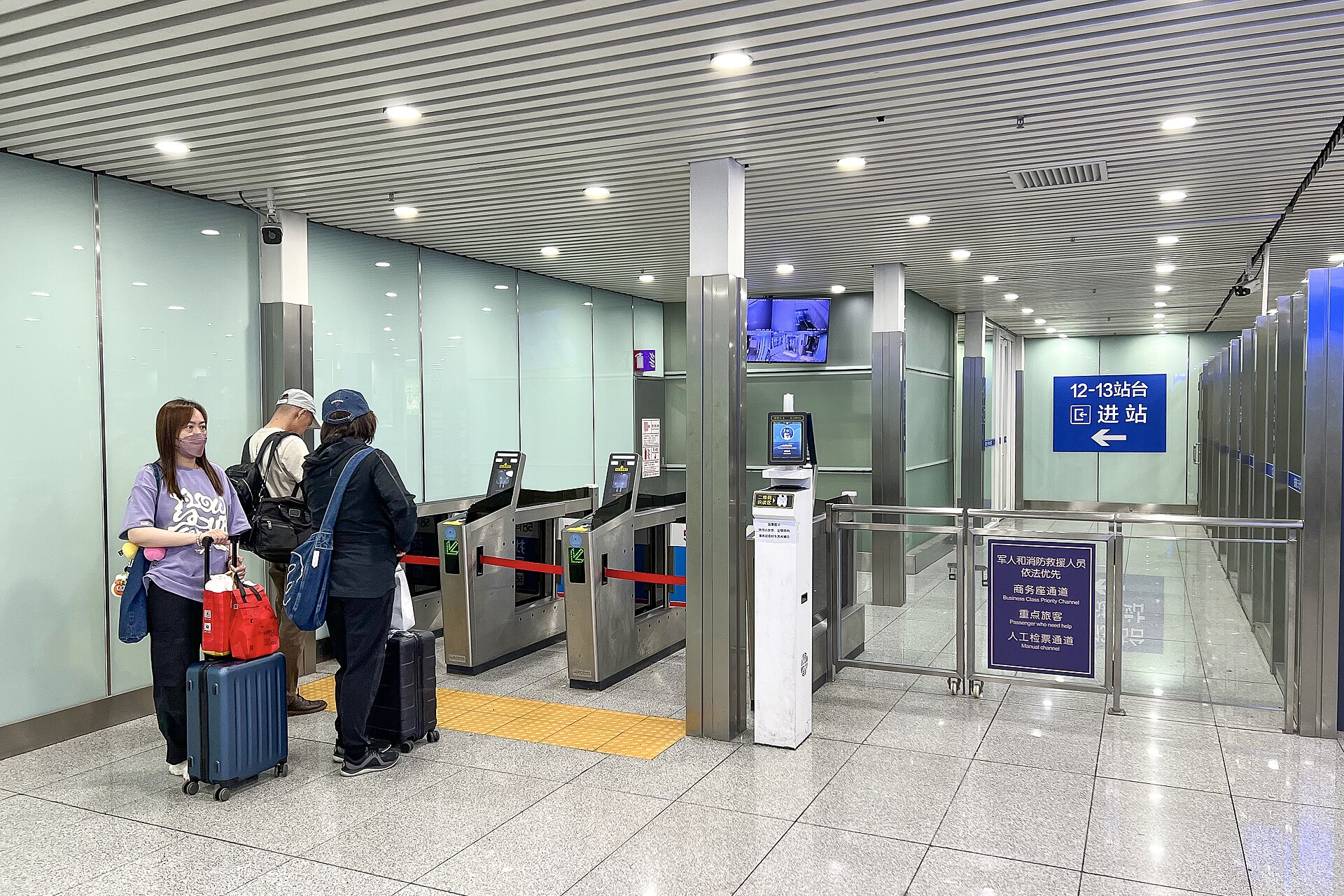
12306 is China Railway’s official booking app and website, and it is better for foreign visitors than its reputation suggests. It has an English interface, lets you register with a passport and no Chinese phone number, takes Visa, Mastercard, JCB and Diners cards as well as Alipay and WeChat, and charges no booking fee. The catch is that you must complete real-name identity verification after registering and before you can buy a ticket, so do that at home too. At the station, your passport is your ticket.
Trip.com
Trip.com sells tickets from the same railway inventory with a smoother English experience, adding a service fee of roughly ¥10–25 per ticket. It is also the most useful single app for Chinese hotels, domestic flights and some attraction tickets, and it takes foreign cards without fuss. For a first rail trip, many visitors use Trip.com; by the second, some switch to 12306 to save the fee. Our high-speed trains guide covers routes, stations and booking windows.
Tickets for the big sights
The Forbidden City, Tiananmen Square and the National Museum book through their own websites or WeChat mini-programs rather than through a travel app, and tickets are tied to your passport number. The Forbidden City guide covers what to see once you have one.
Language
- Pleco is the dictionary that students of Chinese swear by: look up a character, hear it pronounced, see example phrases. It works offline.
- A translator. Apple’s built-in Translate app works in China and can translate offline once you download Chinese in its settings. Microsoft Translator also works. Chinese-made translators such as Baidu’s and Youdao’s are excellent with Chinese text.
- Google Translate is blocked on Chinese connections, but its offline mode works without any connection at all, provided you downloaded the Chinese language pack before you left.
- Camera translation, pointing the phone at a menu or sign, is built into Alipay, WeChat and most translators, and is the feature you will use most.
For the wider problem of getting by without Mandarin, our guide to Beijing without Chinese covers phrases, cards and tactics.
Food
Dianping
Dianping is China’s restaurant review platform, the local equivalent of Yelp, with ratings, photos of dishes and price-per-head estimates for almost every restaurant in the city. It is in Chinese, but the ratings and photos speak for themselves, and screenshots run through a translator fill in the rest. It is the best way to tell whether the place in front of you is well regarded or simply well located.
Meituan
Meituan is the delivery and deals giant whose riders, in yellow jackets, are everywhere in Beijing. The app is in Chinese only. Its mini-program inside WeChat can be machine-translated, foreign cards have been reported to work in its wallet, and deliveries to hotels are common. For a short trip it is optional; for a long stay it quickly becomes indispensable. Riders will often phone when they arrive, so a Chinese number helps; the SIM card guide covers getting one.
Ordering at the table and at the counter

Many restaurants now have a QR code on the table instead of a menu: scan it with WeChat or Alipay, order and pay on your phone, and the food arrives. Coffee and tea chains such as Luckin work the same way, with customers ordering on their phones and collecting at the counter. None of this needs an extra app, but it is one more reason to have WeChat and Alipay working before you get hungry. The Beijing food guide covers what to order once the menu is open.
Discovery: RedNote
Xiaohongshu, known in English as RedNote, is China’s lifestyle and discovery platform: part Instagram, part Pinterest, part TripAdvisor, with a huge volume of recent, first-hand posts about restaurants, exhibitions, cafés and day trips. If you install it outside mainland China, it offers to translate posts into English automatically, and there is a growing amount of English-language content from foreign residents and travellers.
Use it for ideas and recent conditions, such as whether a café has closed or a garden is in flower this week, and then check the address in Amap before you set off. Posts are enthusiastic by nature, and a place that looks magical in a filtered photo can be a queue and a wall.
Useful extras
- An air-quality app. Beijing’s air is far cleaner than a decade ago, but it is still worth checking before a hike. Chinese and US-style readings use different scales, which the air quality guide explains.
- Your eSIM provider’s app, for checking data and topping up. The eSIM guide covers choosing one.
- A VPN, only if you have decided you need one, installed and tested at home. The VPN guide explains when that is.
- Your bank’s app, with notifications switched on, so that you can approve a blocked payment on the spot.
- An offline currency converter, for the moment a price is in yuan and your data is not working.
Setting them up: the fiddly bits
Installing the apps takes minutes. Getting each one into a state where it will actually help you on a Beijing pavement takes a little longer, and these are the details that make the difference.
Amap Global
- Set the language to English and sign in with your home number.
- Save your hotel as a favourite, using its Chinese name as well as its English one, because taxi drivers and search results work in Chinese.
- Look up two or three of the places you plan to visit at home, so that you know how the search behaves before you need it in a hurry.
- Get used to choosing a subway exit. In Beijing, stations are large and exits can be several hundred metres apart; the right exit saves a lot of walking.
DiDi
- Add a foreign card in the app’s payment settings, or decide to use it through Alipay instead.
- Save your hotel address, again with the Chinese name.
- Learn how the pickup pin works: in busy places, the app suggests set pickup points, and the car will go to those rather than to wherever you happen to be standing.
12306 and Trip.com
- Enter your name exactly as it appears in your passport, in the same order. Your passport is your ticket, and a mismatch is a problem at the gate.
- Add every traveller in your group as a passenger, with their passport details, before the day you want to book.
- On 12306, finish the identity verification at home. It is the step that stops most first-time bookings.
- Switch on message translation, and practise the long-press translate on a message from a friend.
- Find your own QR code under your profile, because “add me on WeChat” means showing it.
- Search for the Forbidden City’s official mini-program by its Chinese name, 故宫博物院, and open it once so that it is easy to find again when bookings open.
What will not work
| App or service | In China | Use instead |
|---|---|---|
| Google Maps, Search, Gmail, Translate | Blocked on Chinese connections | Amap Global, Bing, Apple Translate |
| WhatsApp, Telegram, Signal | Blocked | WeChat for local contacts |
| Instagram, Facebook, X, YouTube | Blocked | A roaming eSIM, or wait until you are home |
| Uber | Does not operate in mainland China | DiDi or Amap Global |
| Airbnb | Stopped mainland China listings in 2022 | Trip.com, or a hotel |
| Google Play | Not available | Install everything before you go |
A roaming eSIM gets Google, WhatsApp and the social apps working on mobile data, but not on hotel WiFi, and it does nothing for Uber or Airbnb, which are simply not operating there.
Apps you can safely skip
Travel forums are full of recommendations, and not all of them earn the space on your phone. For a trip of a week or two, these are usually unnecessary:
- Standalone subway apps. A contactless card at the gate and Amap for routes cover everything they do.
- A VPN, if you have a roaming eSIM on your phone and are not working from a laptop on hotel WiFi.
- Several translators. One good one, plus Pleco and the camera translation inside Alipay or WeChat, is plenty.
- Chinese shopping apps. Taobao and JD are extraordinary for residents, but delivery to a hotel, returns and the language make them hard work on a short visit.
- Paid “China travel” bundles that promise to set everything up for you. Every app on this page is free to install, and the setup is yours to do anyway.
Which app for which moment
| Moment | Open |
|---|---|
| Landing, and finding the train into the city | Amap Global |
| Paying for breakfast at a stall | Alipay |
| Booking the Forbidden City seven days ahead | |
| Getting a car back to the hotel | DiDi, or Amap Global |
| Deciding where to eat tonight | Dianping or RedNote |
| Ordering from a menu on the table | WeChat or Alipay, then the translator |
| Understanding one character on a sign | Pleco |
| Booking the train to Xi’an | 12306 or Trip.com |
| Checking whether today is a hiking day | An air-quality app |
Privacy, permissions, battery and storage
Chinese apps are no different from Western ones in asking for a lot, and you can say no to more than you might think. Maps and ride-hailing genuinely need your location. Payment apps need your identity, because the law requires it. Access to your contacts and your whole photo library is rarely necessary; grant photo access one picture at a time when an app asks. If you are uneasy about what you share, sign up with a travel email address rather than your main one, and remember that WeChat conversations should not be treated as private.
Two practical points. The apps on this list are large, and together they can take several gigabytes, so check your phone’s free space a week before you go. And running maps, payments and translation all day uses a lot of battery; a power bank with a clearly printed capacity label, which Chinese airlines require, is as important as any app.
If your phone is lost or stolen
When every app on this list lives on one device, losing it is worse in Beijing than almost anywhere else, because your wallet, map, tickets and translator go with it. A little preparation limits the damage:
- Know how to lock it remotely through your phone maker’s find-my-device service, and make sure it is switched on.
- Freeze the cards first. Blocking the cards in your banking app, or by calling your bank, stops payments through Alipay and WeChat as well, whatever happens to the phone.
- Keep the key details on paper: your hotel’s name and address in Chinese, your bank’s overseas phone number, your embassy’s number in Beijing, and your booking references.
- Remember that logging back in needs your home number. Re-installing Alipay, WeChat and most other apps on a replacement phone means receiving a code by text, which is one more reason to keep your home SIM or number active.
The police emergency number is 110. For the wider question of what to do when things go wrong, the safety tips page covers the practical steps.
When you get home
Most visitors keep Alipay and WeChat. WeChat is how the people you met in China will stay in touch, and both apps are already verified for your next trip. If you do not plan to return, remove your card from both apps’ wallets before you delete them. Screenshot any receipts you need for expenses first, and keep your 12306 or Trip.com account, since train bookings are one of the fiddliest things to set up again from scratch.
The week-before-departure checklist
- Install Alipay, add a card and complete passport verification.
- Install WeChat, get past any vouching step, add a card, and use it for a few days.
- Install Amap Global and DiDi, and sign in with your home number.
- Install Trip.com and, if you are taking trains, 12306; complete 12306’s identity verification.
- Install Pleco and a translator, and download Chinese for offline use.
- Download offline maps of central Beijing and anywhere you are day-tripping.
- Install and set up your eSIM, and a VPN only if you need one.
- Update every app on the list the day before you fly.
- Screenshot your hotel’s name and address in Chinese, your bookings and your boarding pass.
It is an evening’s work, and it pays for itself on the first morning. For the rest of the planning that is worth doing at home, our first-time visitor’s guide covers the essentials.
A map app is only half of finding your way. The other half is knowing how Beijing works on the ground: addresses that run from city to house number, directions given in north and south rather than left and right, and subway exits that can be several hundred metres apart. Our guide to navigating Beijing without Google covers all of it, along with why Google’s own map puts you in the wrong street.
Frequently asked questions
What apps do I need for China travel?
At minimum: Alipay for paying, WeChat for booking the big sights and messaging, a working map such as Amap Global, and DiDi for taxis. Add Trip.com or 12306 for trains, Pleco and a translator for the language, and your airline and eSIM apps.
Do I need to download apps before going to China?
Yes. Google Play is not available in mainland China, some international apps such as Amap Global are not on the China App Store, and sign-up codes are easiest to receive at home. Install, set up and update everything before you fly.
Does Google Maps work in China?
Not on Chinese connections, where it is blocked. Through a roaming eSIM it loads, but its Beijing data is often outdated and offset from the real streets. Amap Global and Apple Maps work much better.
Is there an English version of Amap?
Yes. Amap Global has had a full English interface since January 2025, supports about fifteen languages, accepts phone numbers from around sixty-five countries and, since August 2026, books rides as well. Install it before you travel.
Can I use Uber in China?
No. Uber does not operate in mainland China. Use DiDi, which has an English app and takes foreign cards, or book through Amap Global or the DiDi mini-program in Alipay.
Which app is best for booking trains in China?
12306, the official railway app, has English, passport registration and no booking fee, but requires identity verification before your first purchase. Trip.com is easier to use and adds roughly ¥10–25 per ticket.
What translation app works in China?
Apple’s Translate app and Microsoft Translator work, as do Chinese apps such as Baidu Translate and Youdao. Google Translate is blocked online but its offline mode works if you downloaded Chinese before you left. Pleco is the best dictionary.
Do I need Meituan or Dianping?
Not for a short trip. Dianping is useful for restaurant ratings and Meituan for food delivery, but both are in Chinese. They become far more useful on a long stay, especially with a Chinese phone number.
Does WhatsApp work in China?
Not on Chinese connections, including hotel WiFi. It works over a roaming eSIM or home roaming. For contacts in China, use WeChat.